
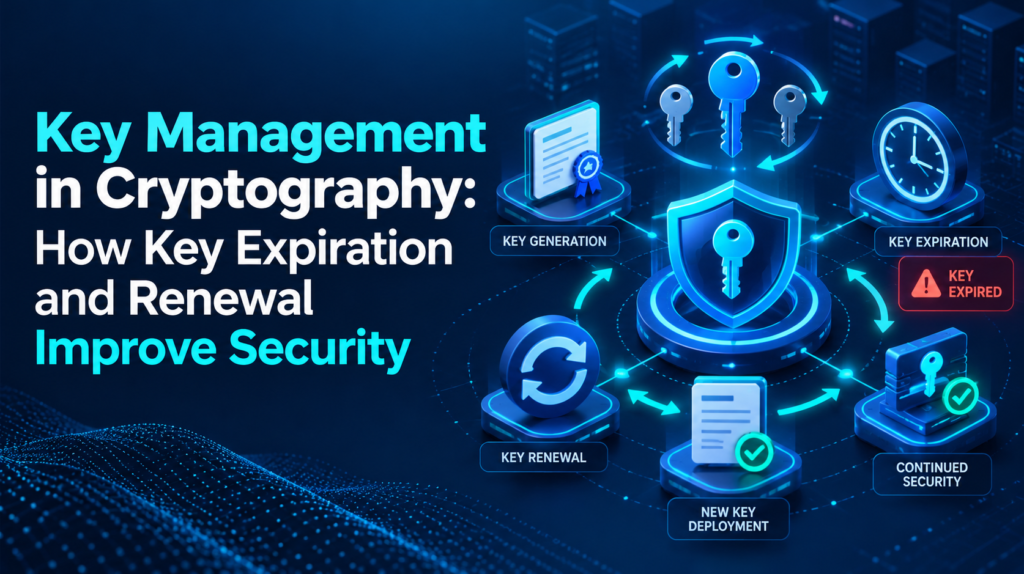
Key Management in Cryptography: How Key Expiration and Renewal Improve Security
Introduction
Cryptographic keys play an important role in protecting enterprise information.
Organizations use keys to encrypt data, secure communications, authenticate applications, support digital certificates, and create digital signatures.
However, cryptographic keys should not remain active indefinitely without appropriate lifecycle management.
As infrastructure changes and applications evolve, organizations need to review whether keys remain necessary, whether they still meet security requirements, and when they should be renewed or replaced.
This makes key expiration and renewal important components of Key management.
A structured approach to key management in cryptography helps organizations monitor key lifecycles and reduce the risks associated with outdated, forgotten, or unnecessarily long-lived cryptographic credentials.
What Is Key Expiration?
Key expiration refers to the point at which an organization no longer considers a cryptographic key valid for a particular purpose.
Expiration policies can apply to different cryptographic assets and should reflect their specific use cases.
Organizations may establish expiration requirements based on:
- Key age
- Data sensitivity
- Security policies
- Application requirements
- Risk assessments
- Certificate lifecycles
Why Key Expiration Matters
A cryptographic key that remains active indefinitely can create unnecessary security exposure.
For example, an old key may remain associated with an application that no longer needs it.
If the organization does not review or retire the key, it becomes an unmanaged cryptographic asset.
Expiration provides an opportunity to review whether the key should remain active.
Key Management in Cryptography
Key management in cryptography encompasses the complete lifecycle of cryptographic keys.
This includes:
- Generation
- Storage
- Distribution
- Access
- Usage
- Rotation
- Backup
- Recovery
- Expiration
- Retirement
- Destruction
Organizations should define controls for each stage.
Expiration vs. Key Rotation
Expiration and rotation serve related but different purposes.
Expiration defines when a key or credential should no longer remain valid.
Rotation involves replacing an existing key with a new key.
Organizations may combine these processes.
For example, a business can establish a rotation schedule and define an expiration period for the old key.
The exact approach depends on the organization’s cryptographic architecture.
Key Renewal
Key renewal replaces or extends cryptographic credentials according to established policies.
For digital certificates, renewal typically involves issuing a new certificate and managing the associated key material appropriately.
Organizations should avoid treating renewal as a purely administrative task.
They should review:
- Key strength
- Application dependencies
- Ownership
- Access permissions
- Security requirements
Preventing Unexpected Service Disruptions
Poor lifecycle management can create availability problems.
For example, an expired certificate can cause a service to stop establishing trusted connections.
Organizations should monitor expiration dates and provide sufficient time for renewal.
Automated notifications can help security teams identify upcoming expirations.
Maintaining a Key Inventory
Organizations should maintain a centralized inventory of important cryptographic assets.
The inventory should include:
- Key identifier
- Owner
- Purpose
- Associated application
- Expiration date
- Rotation schedule
- Lifecycle status
This information helps security teams plan renewals.
Automating Expiration Monitoring
Large enterprises may manage thousands of keys and certificates.
Manual tracking becomes difficult at scale.
Automation can help identify keys approaching expiration and generate alerts.
Organizations can define thresholds such as:
- 90 days before expiration
- 60 days before expiration
- 30 days before expiration
The exact schedule should reflect operational requirements.
Access Control During Renewal
Renewal processes require appropriate authorization.
Organizations should ensure that only approved administrators or automated workflows can perform sensitive lifecycle actions.
Least privilege should apply to renewal operations.
Key Rotation
Key rotation replaces cryptographic keys according to defined policies.
Organizations may rotate keys because of:
- Key age
- Security requirements
- Policy
- Risk
- Suspected compromise
Rotation should account for applications and services that depend on the existing key.
Handling Old Keys
Organizations should define what happens to the previous key after rotation.
In some situations, systems may need temporary access to an older key to decrypt existing information.
In other cases, the organization may be able to retire the key immediately.
The decision should depend on the application’s requirements and data lifecycle.
Key Expiration and Cloud Environments
Cloud applications may rely on numerous cryptographic credentials.
Organizations should monitor cloud-related keys and certificates alongside on-premises assets.
Centralized Key management can help provide a broader view of cryptographic lifecycles.
Key Expiration and Digital Certificates
Digital certificates often have defined validity periods.
Organizations should monitor certificates and associated private keys.
A mature Key management program should include:
- Certificate inventory
- Expiration monitoring
- Renewal procedures
- Private key protection
- Retirement processes
Managing Expiration During Application Changes
Applications frequently change.
An application may move to a new cloud environment, change its architecture, or become integrated with another service.
These changes can affect cryptographic key dependencies.
Organizations should review key lifecycles during major application changes.
Security Benefits of Renewal
Regular renewal and rotation can help organizations:
- Reduce unnecessary key exposure
- Remove obsolete credentials
- Maintain current cryptographic policies
- Improve visibility
- Reduce forgotten assets
- Support stronger lifecycle governance
Renewal should form part of an overall security strategy rather than operate as an isolated process.
Common Key Lifecycle Challenges
Forgotten Keys
Organizations may lose track of old cryptographic assets.
Missed Expiration Dates
Manual tracking can result in missed deadlines.
Poor Ownership
Teams may not know who should renew a key.
Application Dependencies
Rotating a key may affect several applications.
Legacy Systems
Older systems may not support modern lifecycle processes.
Best Practices
Organizations should:
- Maintain a complete cryptographic inventory
- Assign key ownership
- Define expiration policies
- Establish rotation schedules
- Monitor upcoming expirations
- Automate appropriate notifications
- Apply least privilege
- Document renewal procedures
- Test key rotation
- Review application dependencies
- Retire obsolete keys
- Monitor lifecycle activity
Building a Strong Key Lifecycle Strategy
Organizations should view expiration and renewal as continuous processes.
A practical lifecycle can follow:
Inventory → Assess → Rotate/Renew → Monitor → Review → Retire
This approach helps organizations maintain visibility throughout the life of a cryptographic asset.
Conclusion
Cryptographic keys require continuous lifecycle management.
Key expiration and renewal help organizations identify outdated, unnecessary, or aging cryptographic assets and replace them according to established security policies.
Key management in cryptography provides the framework for controlling keys throughout their lifecycle.
Effective Key management supports inventory management, expiration monitoring, renewal, rotation, access control, recovery, and retirement.
By combining clear policies with automation, monitoring, ownership, and regular reviews, enterprises can reduce unnecessary cryptographic exposure while maintaining reliable protection for sensitive information and digital services.