

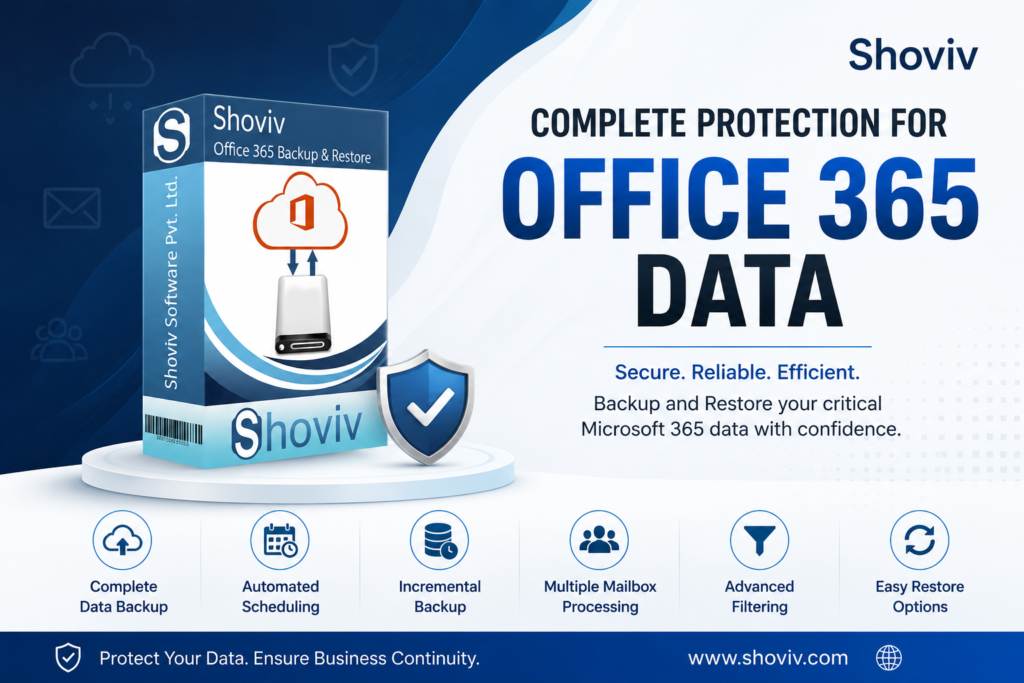

Microsoft 365 has become an essential part of modern businesses, with organizations relying on Office 365 mailboxes for customer communication, business records, attachments, calendars, and other important information. While Microsoft provides a highly reliable cloud environment, businesses may still need an independent backup strategy for greater control over their data. A dedicated Office 365 backup solution can help organizations create accessible copies of mailbox data and maintain a structured approach to backup and recovery.
Why Do Businesses Need an Office 365 Backup Solution?
Office 365 data can grow rapidly as employees continuously send and receive emails and attachments. Managing this data becomes more challenging when an organization has multiple user mailboxes, archive mailboxes, or public folders. Manual backup methods can consume considerable time and may not provide a consistent backup routine.
An effective Office 365 backup tool should simplify this process by supporting multiple mailboxes, automation, selective backup, and flexible storage formats. This allows businesses to create backups according to their specific operational requirements instead of relying on repetitive manual processes.
Backup Office 365 Mailboxes in Multiple Formats
The Shoviv Office 365 Backup Tool provides a centralized solution for backing up Microsoft 365 mailbox data. It can back up user mailboxes, archive mailboxes, and public folders. The software supports several output formats, including PST, MBOX, EML, MSG, MHT, and HTML, giving businesses flexibility in how they store and access backed-up data.
PST is particularly useful for organizations that want a portable mailbox copy that can be opened and previewed through Outlook. Other formats can be useful when data needs to be accessed through different email applications or used for migration and archiving purposes.
Save Time with Incremental and Scheduled Backup
Performing a complete backup repeatedly can result in unnecessary processing. Shoviv provides incremental backup, which helps include newly added data without repeatedly processing previously backed-up items. This makes recurring backup operations more efficient and helps reduce duplicate data.
The software also offers scheduled periodic backup, allowing administrators to automate backup jobs on a daily, weekly, or monthly basis. Once a schedule is configured, the backup process can run automatically, reducing the need for administrators to manually initiate every backup.
Backup Only the Data You Need
Large mailboxes may contain years of communication, making selective backup useful for organizations with specific storage or compliance requirements. Shoviv provides filter options based on date range and folder, allowing users to include the data relevant to their backup requirements rather than processing everything unnecessarily.
The software also supports job-based processing, allowing users to create backup jobs and run multiple jobs concurrently. This can be particularly useful for administrators managing multiple Microsoft 365 mailboxes.
More Than Just Mailbox Backup
Office 365 environments can contain important information beyond email. With the appropriate license, Shoviv can also back up OneDrive data to the local file system. Users can apply filters based on date, folder, file type, and size when processing OneDrive data. The software also supports backup and restoration of Office 365 shared mailboxes and public folders.
This broader capability can help businesses manage different types of Microsoft 365 data through a more unified backup workflow.
Restore Data When Required
A good backup strategy should also provide a practical recovery option. Shoviv supports restoring or exporting data from PST, OST, OLM, MBOX, EML, and MSG files to Office 365 mailboxes. Multiple files can also be processed simultaneously, helping organizations handle larger restoration requirements efficiently.
The tool works independently without requiring Outlook for the backup process and supports Modern Authentication, providing businesses with a flexible approach to Microsoft 365 data management.
Build a More Efficient Office 365 Backup Strategy
A reliable Office 365 backup solution should make backup management easier, not add another complicated task for IT administrators. Features such as incremental backup, scheduled jobs, filtering, multiple mailbox processing, flexible export formats, and restoration capabilities can make a significant difference when managing Microsoft 365 data.
The Shoviv Office 365 Backup and Restore Tool combines these capabilities into a single solution, helping businesses create local copies of important Microsoft 365 data, automate recurring backup operations, selectively process information, and restore data when required. For organizations looking for a flexible and efficient way to manage Office 365 backup and recovery, it provides a practical approach to protecting and managing their Microsoft 365 mailbox environment.
Read more for office 365 email backup