


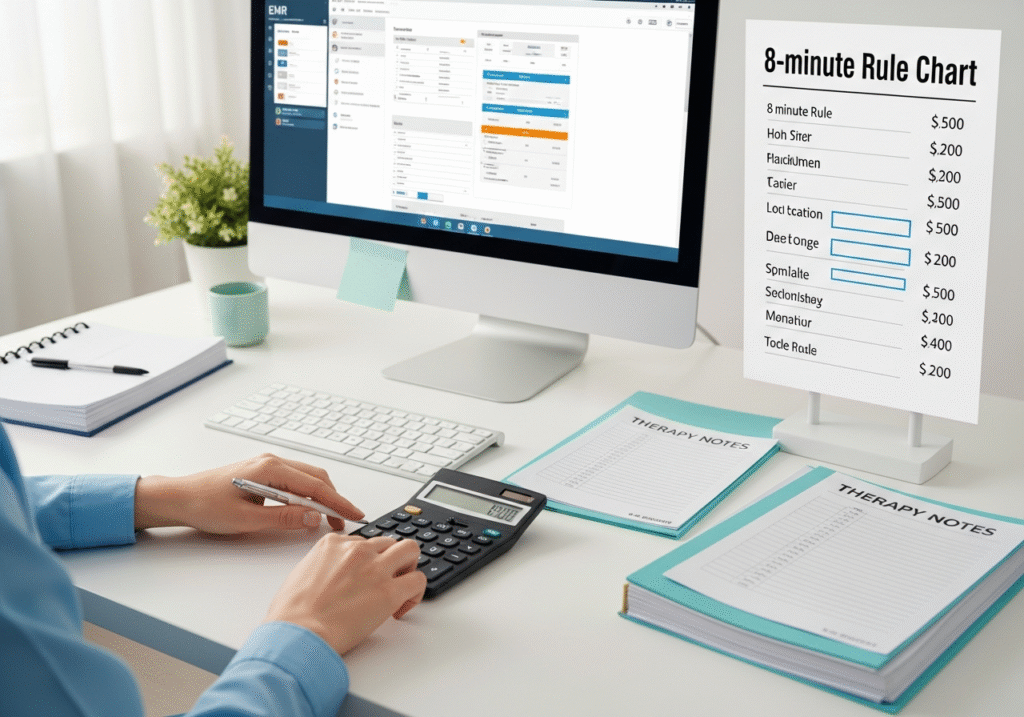

The 8-minute rule looks simple on paper, but when you’re juggling appointments, mixed treatments, and tight timelines, the math gets messy fast. That’s why many clinics build a small billing tool inside their EMR or software system. It saves time, reduces mistakes, and helps the team stay consistent with Medicare’s guidelines.
This kind of tool doesn’t need advanced coding or expensive add-ons. With a clear layout and the right logic, anyone can build it using features already available in most EMRs—like custom fields, formulas, templates, or even a basic calculator page.
Why You Need an 8-Minute Rule Billing Tool
Medicare uses the 8-minute rule to decide how many timed units you can bill based on your total treatment minutes. Without a system to guide you, it’s easy for teams to overcount or undercount units. Both cause problems. Overbilling leads to audits. Underbilling means lost revenue.
When this tool sits directly inside your EMR or billing software, your therapists don’t have to guess. They enter the treatment minutes, and the system returns the correct units automatically. No mental math. No confusion. No time wasted checking charts or web calculators.
This kind of built-in support also helps clinics stay more organized, especially when they work with different payers that follow slightly different billing rules. In many practices, teams that handle ABA therapy billing services also apply similar time-based calculations for their therapy sessions. A small tool like this keeps the whole team working from the same rules.
Map Out the 8-Minute Rule Thresholds
Before you build anything, you need the core structure. The 8-minute rule works off these minute ranges:
- 8–22 minutes = 1 unit
- 23–37 minutes = 2 units
- 38–52 minutes = 3 units
- 53–67 minutes = 4 units
Your tool needs to recognize these ranges and match each range to the right number of units.
A simple way to think about it:
Every 15 minutes after the first 8 minutes gives you one more unit.
This logic becomes the engine of your tool.
Create a Field for Total Treatment Minutes
Most EMR platforms allow you to add custom fields. Set up one field called:
Total Timed Treatment Minutes
This is where therapists will type in the total minutes from all timed services combined. If your EMR supports start and stop times, you can automate the math so the system fills this field for them.
If your system allows multiple service entries, keep them separate. The tool will still add them together behind the scenes.
Add a Formula to Convert Minutes Into Units
This is where your EMR’s formula feature comes in. Some platforms use simple “if–then” logic. Others use spreadsheet-style formulas.
The goal is simple:
The formula should compare the total minutes to the minute thresholds and assign the right number of units.
For example, a basic progression looks like this:
- If minutes ≥ 8 and ≤ 22, show “1 Unit”
- If minutes ≥ 23 and ≤ 37, show “2 Units”
- If minutes ≥ 38 and ≤ 52, show “3 Units”
- If minutes ≥ 53 and ≤ 67, show “4 Units”
Adjust the ranges if your clinic ever needs more than four units.
Even if your EMR uses a different format, the logic stays the same.
Add a Space to Distribute Units Across Services
When therapists provide more than one type of treatment in a session—manual therapy, exercise, neuromuscular re-education—they must divide the total units based on which service took the most time.
Your tool can help here too.
Create three small fields:
- Minutes for Service A
- Minutes for Service B
- Minutes for Service C
Then add logic that sorts services from highest to lowest minutes. The tool should automatically assign more units to the service with the most time, and fewer to those with less.
This one step removes a huge source of confusion for new therapists and reduces guesswork for billers, especially when they rely on an 8-minute rule cheat sheet during busy days.
Build Visual Prompts for Therapists
A good tool is more than formulas. It should guide the user.
Add short prompts such as:
- Enter only direct treatment minutes.
- Do not include setup or documentation time.
- Minutes must reflect one-on-one patient contact.
These gentle reminders protect the clinic from unintentional errors.
Make the Tool Part of Your Workflow
A tool only works if your team uses it every day. Add it directly inside:
- Daily treatment note templates
- Progress note templates
- Billing review screens
- Session documentation areas
By keeping it visible and simple, staff won’t skip it.
This also helps teams handling ABA billing services stay consistent when they calculate time-based units for therapy sessions in other specialties.
Test the Tool With Real Scenarios
Before you launch, sit with a few therapists and run real session examples. Enter minutes, test mixed services, and review the unit output. If anything feels confusing, adjust wording or add hints.
Small improvements early save dozens of corrections later.
FAQs
1. Do I need coding skills to create this tool?
No. Most EMRs have built-in options for custom fields and formulas. If you can set up a spreadsheet, you can build this tool.
2. Can I include untimed CPT codes?
Yes, but they should be separate. Untimed codes don’t affect the 8-minute rule and should not be mixed with timed units.
3. Does this work for commercial insurance?
Many commercial plans follow Medicare rules, but some use their own thresholds. You can create a second version of the tool if your payers differ.
4. Should therapists still record start and stop times?
Absolutely. The tool helps with calculation, but the documentation still needs exact time details for audit protection.
5. Can multiple services split the same unit?
Yes. Units follow total time, but they must be distributed based on which service used the most minutes.
Conclusion
Creating an 8-minute rule billing tool inside your EMR or software doesn’t have to be complicated. Start with total minutes, use clear thresholds, and add simple formulas that assign the right number of units. Build reminders for your team, test it with real cases, and make it part of the daily workflow.
Once it’s in place, the tool saves time, prevents billing errors, and helps your clinic stay consistent with Medicare rules. It’s a small addition that makes a big difference in keeping your records clean and your billing accurate.


